Speak your code.
Write at lightspeed.
Private-by-design desktop dictation: audio goes directly to your Whisper endpoint — no Voxis account, proxy, or telemetry.
How it works
From key-press to typed text in three steps
Press your hotkey
Hold to record, or toggle on and off (Right Ctrl by default). Works on top of any app.
Speak
Voxis trims silence and drops empty clips — only your speech is sent to the cloud.
Text appears where your cursor is
Auto-typed into the focused window, or pasted with your clipboard restored afterward.
Why Voxis
Privacy, speed, and full control
Private by default
Audio goes straight to your chosen endpoint. No middleman, no telemetry.
Blazing fast
Groq's Whisper API returns text in milliseconds. Dictation with no lag.
Local dictionary
Your own replacement dictionary and learning stay on-device — no cloud.
Any endpoint
Groq by default, or point it at any OpenAI-compatible or self-hosted endpoint.
Themeable
The overlay is fully customizable — themes edit live without a rebuild.
Cross-platform
Windows, macOS, Linux — one Tauri + Rust engine.
More than just dictation
AI cleanup (optional)
An LLM post-processing pass fixes grammar and formatting. Pick a model and named prompt templates for different tasks.
A dictionary that learns
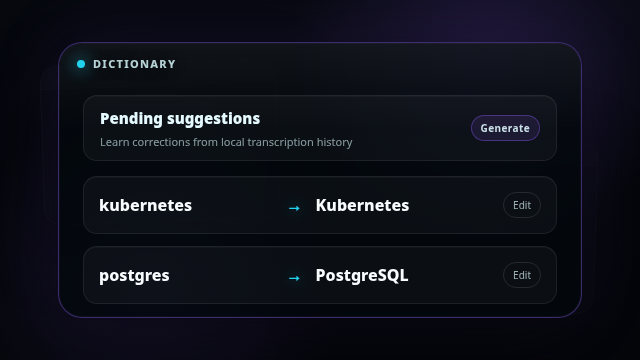
Replacement rules plus learning: review suggestions first, or apply them automatically. Names and jargon always land right.
Smart silence detection
Silero VAD gates out silence and background noise so empty clips never hit the API — faster and cleaner.
Types anywhere
Auto-types into the focused app, with optional auto-enter/auto-submit and a clipboard fallback that restores what you had.
Voxis in action
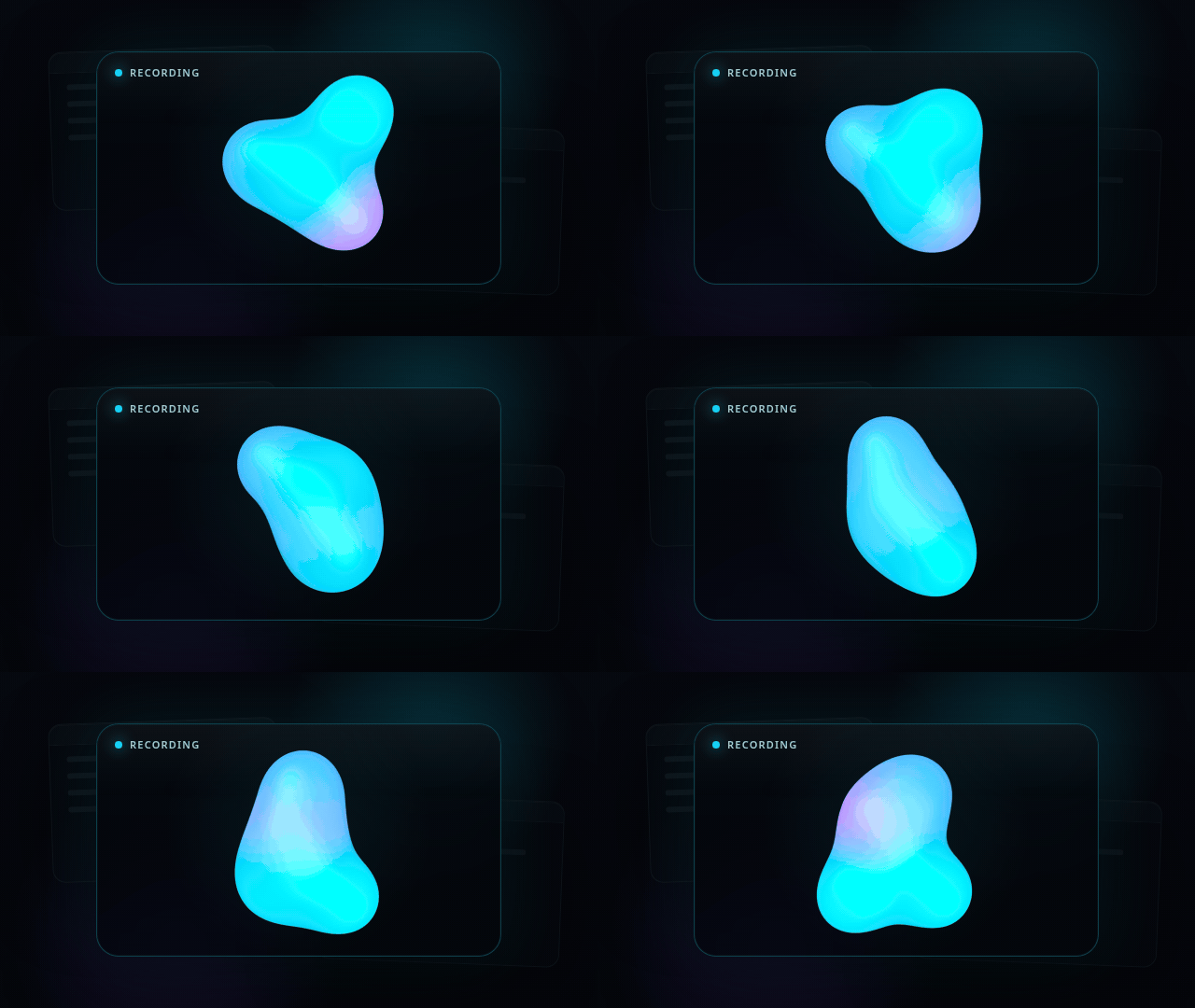
An overlay on top of any app
Get started
Install, add a key, and talk — three steps.
- 1
Download the build for your OS.
- 2
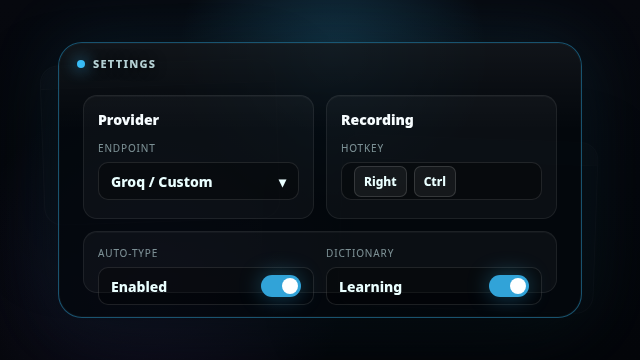
Paste a free Groq key into Settings → Provider (or point it at your own endpoint).
- 3
Hold your hotkey and speak — text appears where your cursor is.
Bring your own key: the free Groq tier by default, or any OpenAI-compatible / self-hosted endpoint. Audio goes directly there — not through Voxis servers.
Early builds may show OS security warnings while signing and notarization are finalized.
brew install axelbaumlisto/voxis/voxisRequirements: macOS 12+ (Apple Silicon), Windows 10+, modern Linux. Microphone + internet for cloud transcription.
Ready to write at lightspeed?
Free and open source.
Frequently asked
Where does my audio go?
Straight to your chosen transcription endpoint: Groq by default, or your self-hosted/OpenAI-compatible server. Voxis never receives, proxies, or stores your audio; history and dictionary stay local.
Do I need an API key?
Yes — the free Groq tier by default, or any OpenAI-compatible / self-hosted endpoint. Your key is stored locally and audio goes directly to the provider you choose.
Can I use my own server or local Whisper?
Yes, if it exposes an OpenAI-compatible /v1/audio/transcriptions API. Point Voxis at your URL in settings; see the self-hosted Speaches/faster-whisper docs for a local option.
Is Voxis free?
Yes, the app is MIT/open source. Transcription costs depend on the provider you choose: Groq's free tier, your OpenAI-compatible endpoint, or your own server.
Are downloads signed?
Early builds may show macOS Gatekeeper or Windows SmartScreen warnings while signing and notarization are finalized. Verify downloads from GitHub Releases or build from source.
What is stored locally?
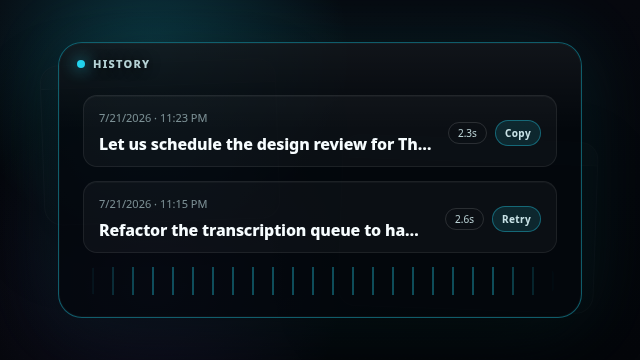
Settings, history, replacement dictionary, learning suggestions, and temporary retry files for failed recordings. They live in the app's system config directory.
Does Voxis replace my clipboard?
Usually Voxis types directly into the focused app. If clipboard fallback is used, it pastes the final text and restores your previous clipboard contents.
How do I set the hotkey?
Record any combo. Choose Hold mode (record while the key is held) or Toggle mode (tap to start, tap to stop — handy for long dictation). You can also bind separate keys to different actions.
Which languages are supported?
Auto-detect plus 13 languages (English, Russian, German, French and more) — with an optional translate-to-English mode.
Which OSes are supported?
Windows 10+, macOS 12+ (Apple Silicon), and modern Linux — one Tauri v2 + Rust engine.
System Architecture
SOLID Rust Architecture
Capture the keypress
Your hotkey is caught by a global low-level OS hook, so recording starts instantly from any app. Built on rdev.
Coordinate the flow
A pure state machine drives the record→transcribe→output lifecycle and queues each take, so back-to-back dictations never collide.
Listen & filter
Low-latency audio capture via CPAL, with Silero voice-activity detection trimming silence so only real speech is ever sent.
Transcribe
The clip streams to a Whisper-compatible endpoint — Groq by default, or any OpenAI-compatible / self-hosted URL you point it at.
Refine
Your dictionary fixes names and terms, and an optional LLM pass cleans up grammar and formatting using the prompt you choose.
Type it anywhere
The final text is typed straight into the focused window, with a clipboard-paste fallback that restores what you had before.